DaemonLayer triages every ticket in your MSP service desk, resolves what it can automatically, and hands the rest to your engineers with full context - ready to fix, not investigate
From the team behind LazyAdmin.nl · 150,000+ monthly readers · Microsoft MVP
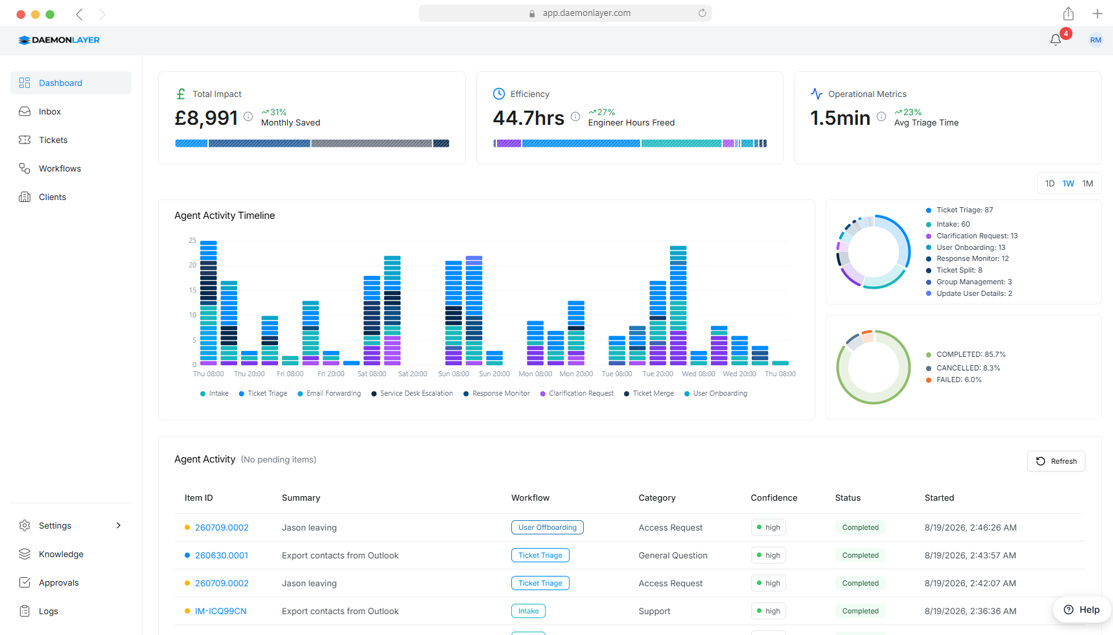
By the time an engineer sees it, the ticket is already triaged, validated, and routed — with actions executed where allowed.
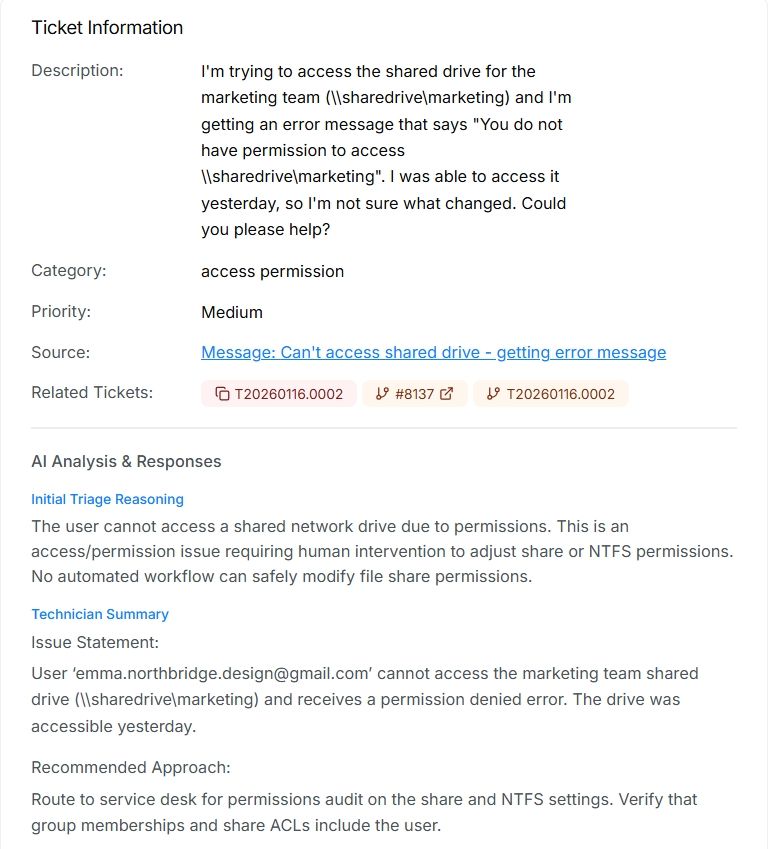
Pulls account history, device state, and past tickets as requests arrive.
Identifies likely causes using identity, access, related tickets, and service health.
Assigns by workload, skill, and resolution history.
Runs approved actions like password resets, with full control.
DaemonLayer is an AI automation layer that sits between your ticket inbox and your PSA. It prepares every helpdesk request with the account, identity, device, and history information your engineers usually have to gather by hand.
Password has expired
"Hi, I can't log in, I think my password has expired."
Email arrives in shared inbox
Inbox checked, client account identified
M365 admin portal opened, user account located
Requester identity verified manually
Password reset, new credentials sent securely
Ticket updated and time logged
Half an hour after the customer needed help.
Password has expired
"Hi, I can't log in, I think my password has expired."
Email arrives → client identified from sender domain automatically
M365 queried: user found, SSPR status checked, requester verified against manager/approver list
SSPR enabled → instructions sent directly to user, ticket resolved
SSPR disabled → verification code sent to alternate email, user confirms identity
Temporary password delivered to user
Ticket updated and closed in PSA, time entry logged
No technician required.
Thirty minutes from signing in to your first prepared ticket. Watch DaemonLayer triage a fresh inbox end to end.
Request comes in via email, Teams, or your PSA portal. DaemonLayer intercepts it before any engineer sees it.
Account history, M365 user data, duplicate detection, and ticket classification are pulled and attached automatically.
Routine tasks are handled automatically with technician approval. Complex tickets reach engineers with full context already attached.
Most automation tools put the configuration burden on you. DaemonLayer works from the point of connection.
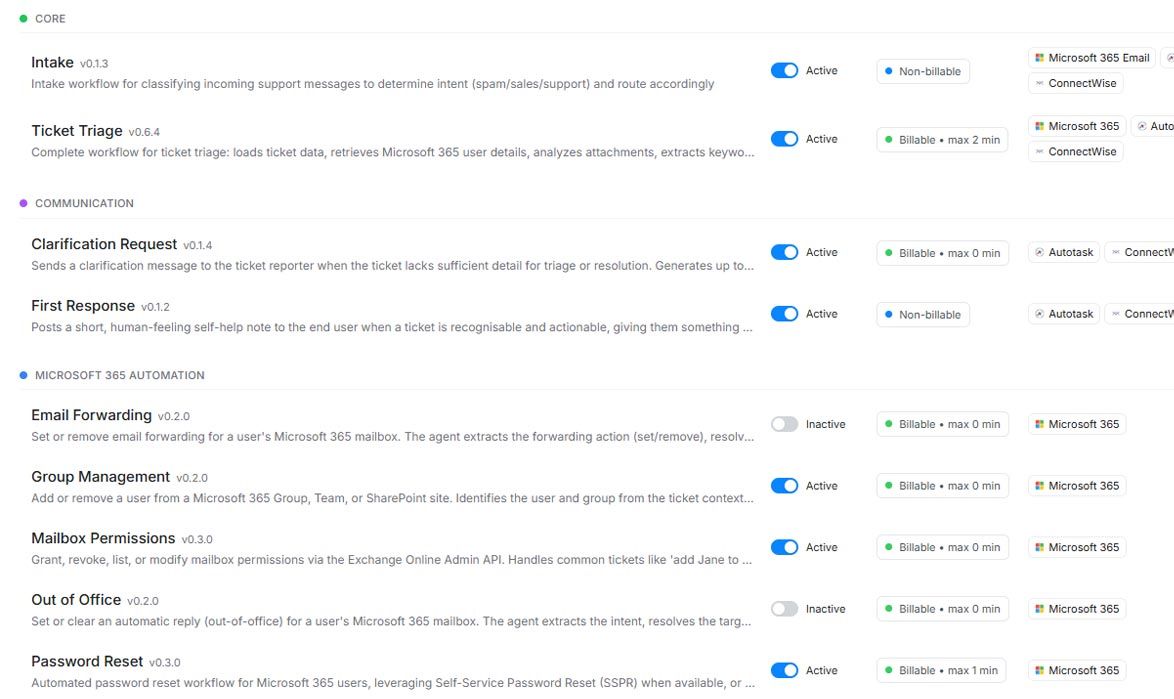
The coordination work that happens before your engineers touch a ticket.
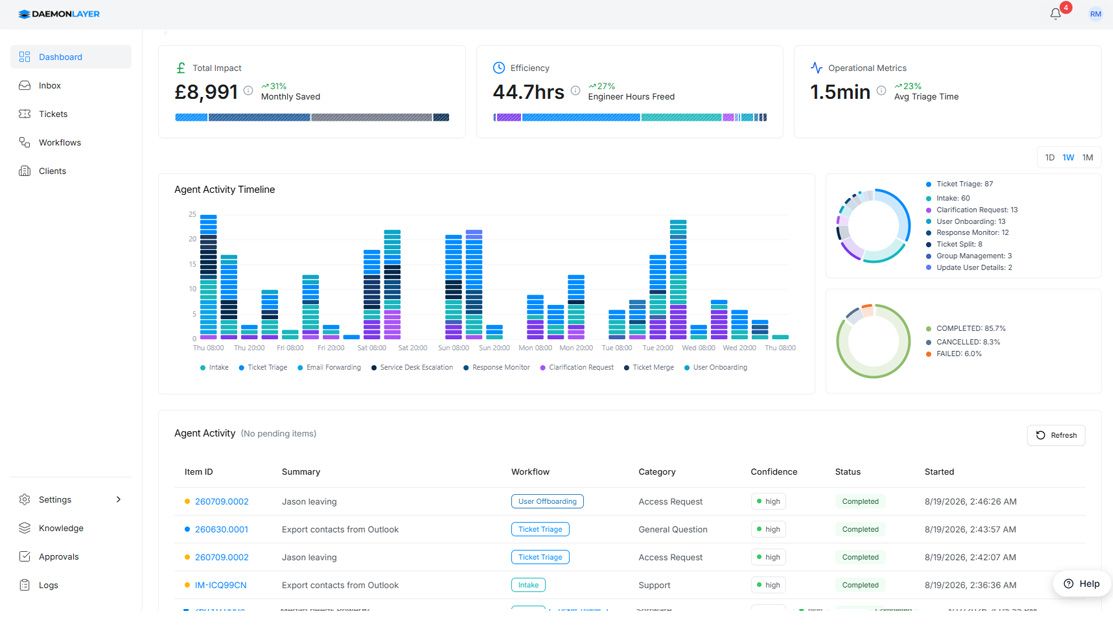
Every ticket arrives at your engineer with full user context, client history, duplicate detection, correct category, and resource assignment already completed.Learn more →
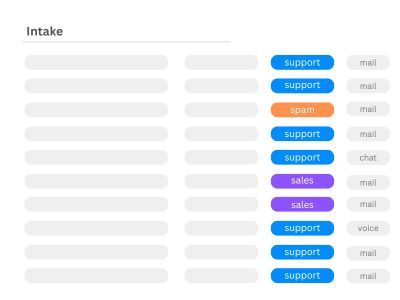
Monitors your support mailboxes, filters noise, and routes genuine support requests directly into your PSA queue automatically.Learn more →
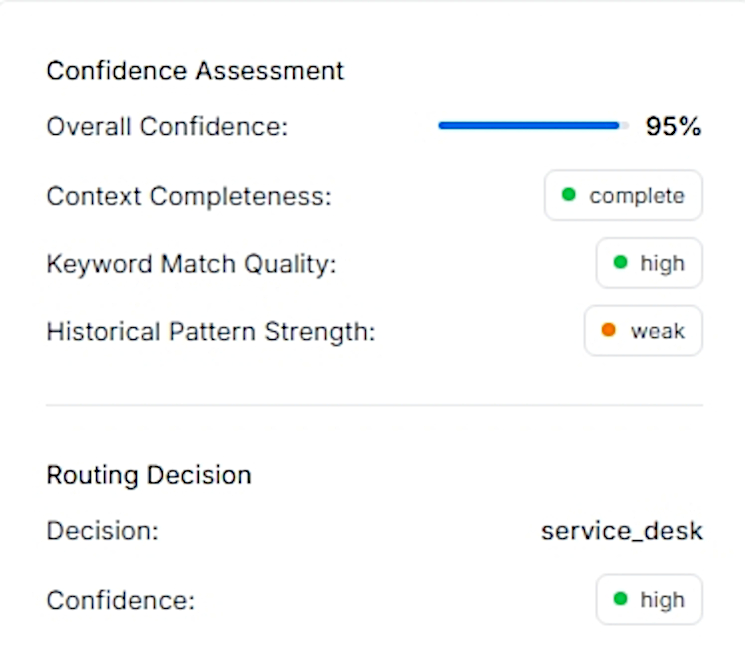
Every automated decision is logged, explained, and available for compliance review at any time.Learn more →
Tracks time recovered per ticket, automation volume, and engineer workload. Every action is stored on GDPR-compliant EU infrastructure, ICO registered.Learn more →
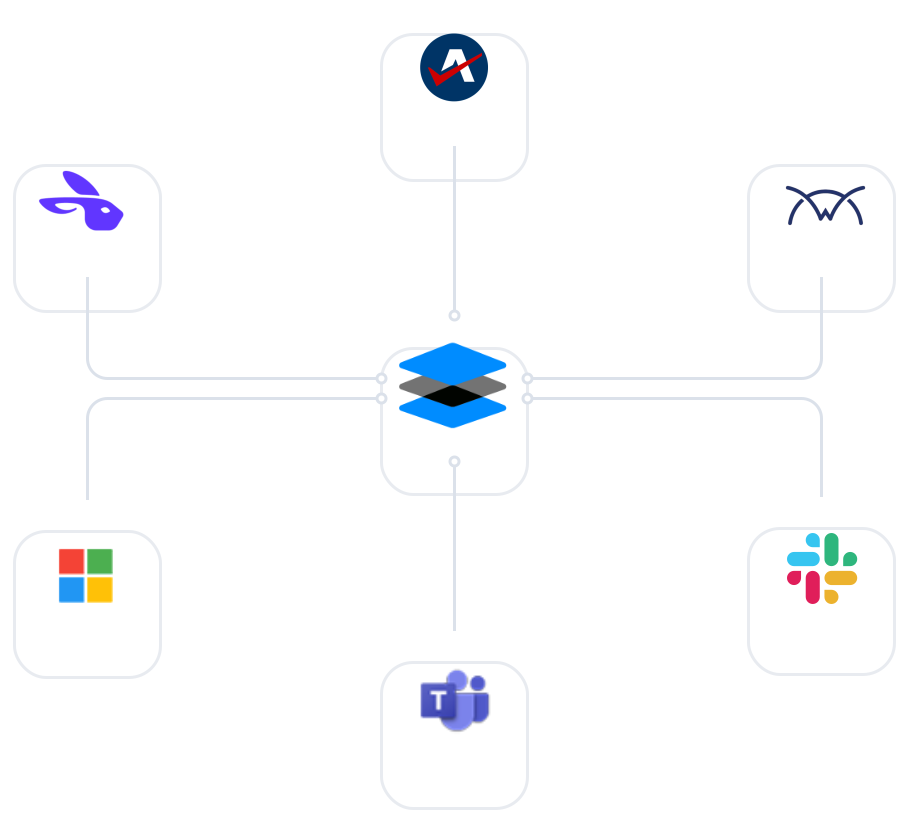
Native integrations with Autotask, ConnectWise, HaloPSA, Microsoft 365, Datto RMM and Hudu. No DaemonLayer agents, no middleware, no changes to your client environments.Learn more →
AI agents that pick their own tools and figure it out as they go make for great demos. In a client's production tenant, that's the wrong trade. DaemonLayer's AI handles triage, reading the email and identifying the client and user, but execution follows a controlled path with clear guardrails.
Every workflow does one well-defined task. No open-ended agent improvising its way through your tenant.
Password resets, onboarding, and offboarding are sensitive actions that can pause for sign-off before they run.
M365 access can be limited to read-only. Write permissions are enabled only where a workflow needs them.
Every automated action is logged, so you can see exactly what ran, when, and why.
Incorporated, operated, and supported in the United Kingdom.
Built around UK GDPR from day one, not retrofitted as an afterthought.
All customer and client data is stored exclusively on EU-hosted infrastructure.
Email and ticket content is encrypted at rest with tenant-specific keys (AES-256-GCM).
Registered with the Information Commissioner's Office and compliant with UK data protection law.
Your data is fully isolated at the tenant level. Nothing is shared across customers. Ever.
Most MSPs run their first triage within 30 minutes of granting access. No scripting, no configuration, no professional services engagement required.
You cancel inside the admin panel, no call required. Your full audit trail stays exportable for 90 days after your last billing date so you leave with your data intact.
Flat monthly fee, unlimited seats. Your whole team gets access, no per-user charges, no tokens, no credit packs. Full pricing is on the pricing page, and what's on it is what's in your contract.
You do. Every action DaemonLayer takes is logged with full attribution, retained for at least seven years, and exportable in CSV and JSON at any time.
UK and EU regions only, customer data is encrypted at rest and in transit.
No. The integration is API-only, and DaemonLayer has no agent of its own on customer endpoints. If you connect your RMM, device checks and fixes run through the RMM agent you already have, and only with scripts you have explicitly allowed.
Yes. DaemonLayer sits upstream of your PSA and prepares tickets before they reach any existing automation. It doesn't replace or modify what's already running. With Datto RMM connected, it also handles monitoring alerts: only alerts that stay open become tickets, and DaemonLayer never reboots, deletes or reconfigures anything in your RMM.
We are registered with the UK Information Commissioner's Office as a data processor. In practice, that means you can include DaemonLayer in your DPIA without commissioning a separate security review.
ConnectWise, Autotask and HaloPSA are live, alongside Microsoft 365, Datto RMM and Hudu. If you're on a different platform, get in touch.
No. DaemonLayer surfaces context and actions inside your existing PSA. Engineers keep working the way they already do, tickets just arrive with more of the work already done.
Connect your PSA, and DaemonLayer starts triaging, resolving, and routing, no scripting, no setup calls. Cancel anytime.
Prefer a walkthrough? Book a demo →
