
Stop Losing Engineers to Coordination Work
DaemonLayer prepares every ticket so engineers can focus on resolution.
UK-built GDPR-compliant. ICO registered. See results in 30 min.
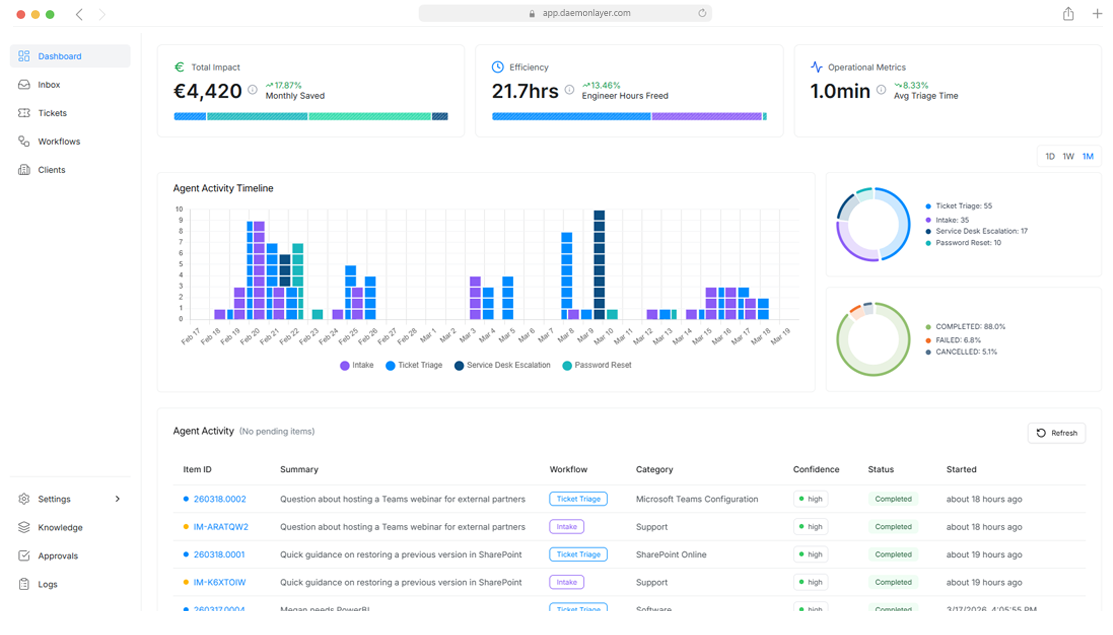
DaemonLayer prepares every ticket so engineers can focus on resolution.
UK-built GDPR-compliant. ICO registered. See results in 30 min.
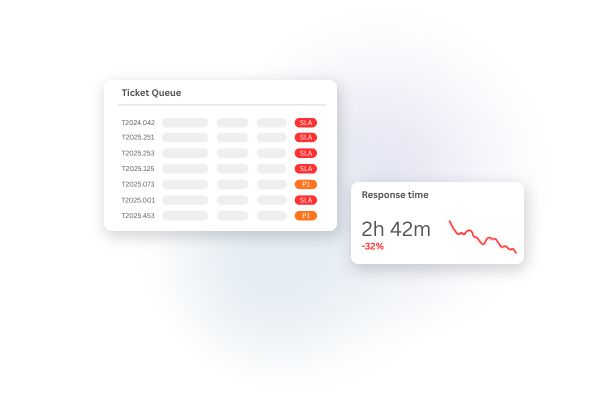
Every ticket arrives with no context — no account history, no device status, no idea if it's been raised before.
A 90-second password reset waits forty minutes for an available engineer to step through it.
The first person to pick up a ticket makes a routing decision they weren't hired to make.
One ticket can require switching between 5 systems before resolution even begins.
You could keep pulling engineers into L1 support. Keep patching the same gaps. Keep watching your best people quietly update their LinkedIn
Or let Daemonlayer handle the tier that was never theirs.
DaemonLayer sits upstream of your PSA. Every ticket passes through it before an engineer is involved.
Request comes in via email, Teams, or your PSA portal. DaemonLayer intercepts it before any engineer sees it.
Account history, M365 user data, duplicate detection, and ticket classification are pulled and attached automatically.
Routine tasks are handled automatically with technician approval. Complex tickets reach engineers with full context already attached.
Most automation tools put the configuration burden on you. DaemonLayer works from the point of connection.
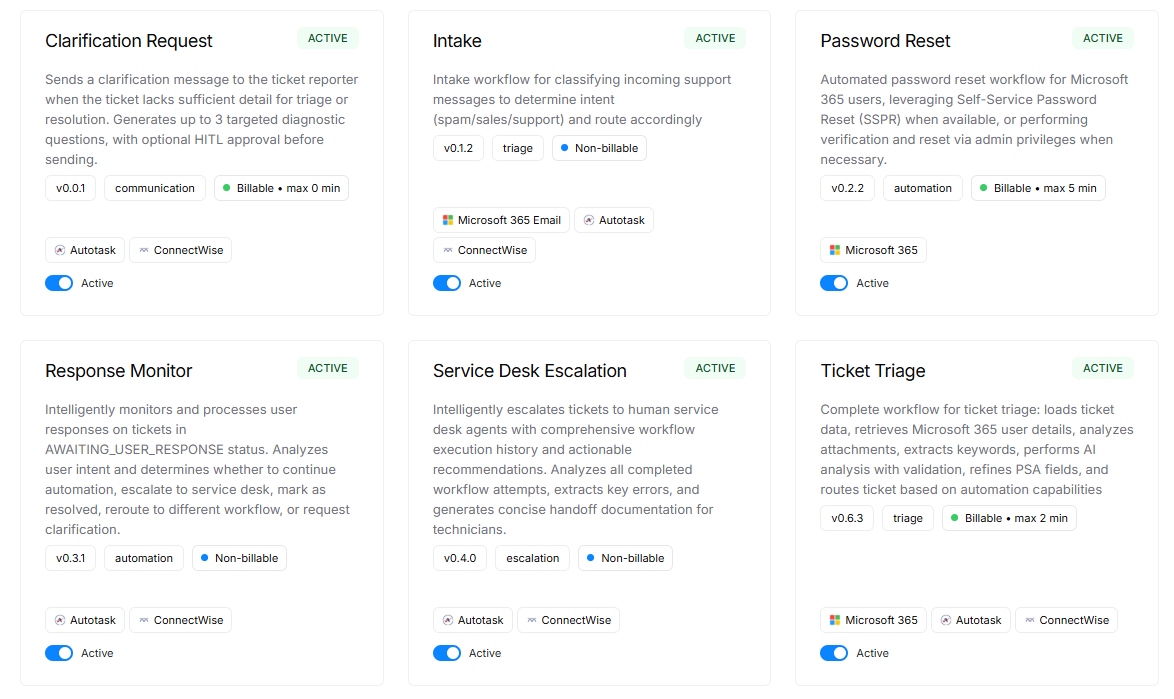
The tasks that currently fall to your engineers before resolution can begin.
Every ticket arrives at your engineer with full user context, client history, duplicate detection, correct category, and resource assignment already completed.
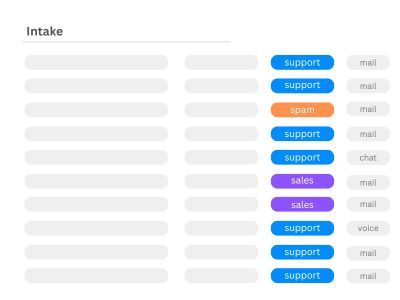
Monitors your support mailboxes, filters noise, and routes genuine support requests directly into your PSA queue automatically.
Every automated decision is logged, explained, and available for compliance review at any time.
Tracks time recovered per ticket, automation volume, and engineer workload. Every action is stored on GDPR-compliant EU infrastructure, ICO registered.
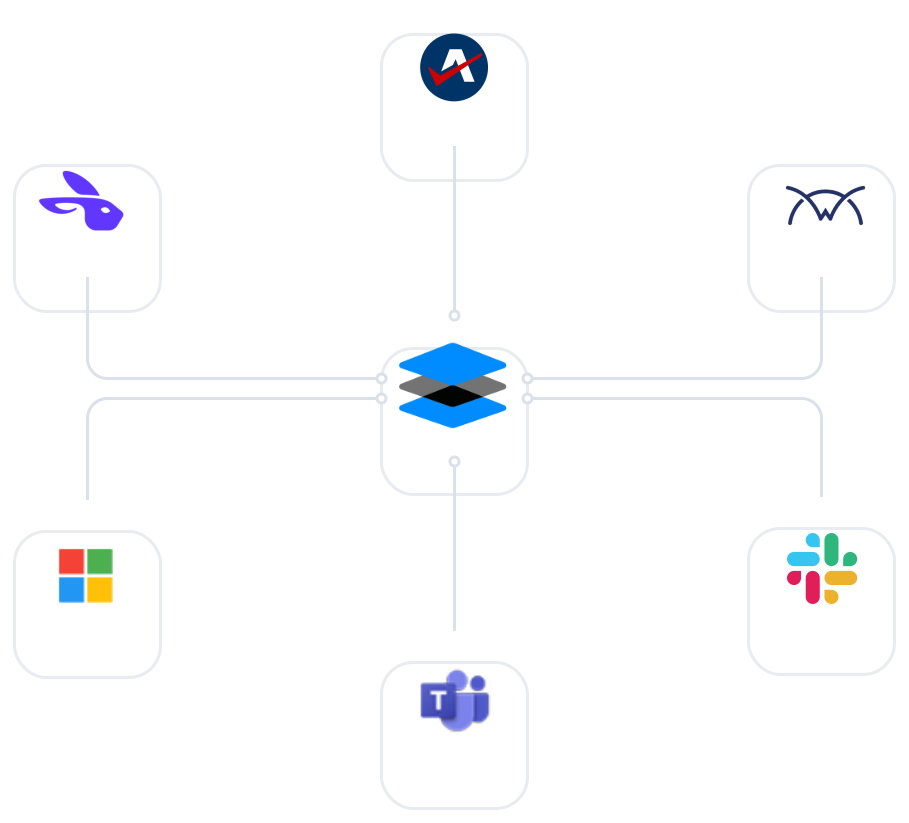
Native integrations with Autotask, ConnectWise, and Microsoft 365. No agents, no middleware, no changes to your client environments.
Most automation tools in this space are US-built. That means your client data leaves UK/EU jurisdiction, your DPA obligations become more complex, and your compliance position is harder to defend.
DaemonLayer was built in the UK for UK/EU MSPs. GDPR compliance is not an add-on — it is part of the foundation. Every action is logged, every automated decision is explainable, and your data never leaves EU infrastructure.
For MSPs operating under Cyber Essentials Plus or ISO 27001 requirements, that matters from day one.
Incorporated, operated, and supported in the United Kingdom.
Built around UK GDPR from day one — not retrofitted as an afterthought.
All customer and client data is stored exclusively on EU-hosted infrastructure.
M365 access can be limited to read-only. Write permissions are enabled only where your workflows require it.
Registered with the Information Commissioner's Office and compliant with UK data protection law.
Your data is fully isolated at the tenant level. Nothing is shared across customers — ever.
30-minute call. We walk through your PSA setup and show exactly what DaemonLayer would handle.
No obligation. No sales deck. Just a live walkthrough on your environment.